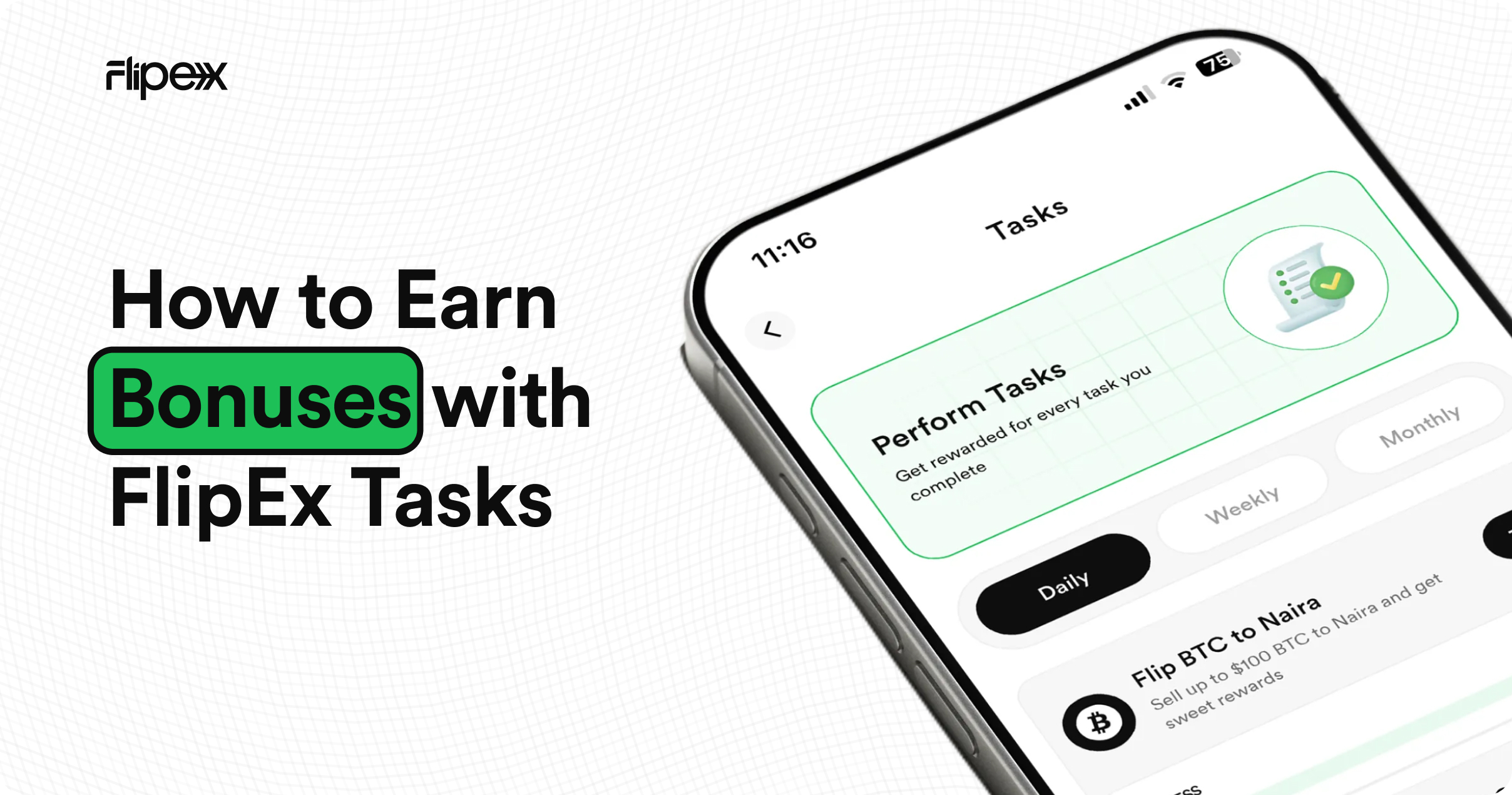
You Are Trading on FlipEx and Leaving Cash Bonuses Behind.
Every time you sell a gift card or trade crypto on FlipEx, you are completing a transaction successfully. But if you are not checking the Tasks page first, you are almost certainly leaving a cash bonus unclaimed.
Tasks on FlipEx reward you for all trades on FlipEx. Complete a task, claim your bonus, add it straight to your wallet. It takes less than 30 seconds — and most users do not even know the feature exists.
This guide explains exactly how Tasks work, where to find them, and how to make sure you never miss a reward again.
What Are FlipEx Tasks?
Tasks are trading challenges set by FlipEx that reward you with a cash bonus when completed. Each task gives you a specific action to perform e.g., Flip $100 BTC to Naira — and when you meet the target, a bonus is added to your Task Payout on the Bonus and Rewards page, ready for withdrawal.
Think of tasks as paid missions. You were going to trade anyway. Tasks simply pay you extra for doing it.
Where to Find Tasks on FlipEx
Tasks live inside Flip Services on your FlipEx dashboard — the same place you find Airtime, Data, and Cable TV payments. Tap Tasks and you will land on a screen with three tabs at the top: Daily, Weekly, and Monthly.
Daily, Weekly, and Monthly Tasks — What Is the Difference?
Each tab contains tasks with different time windows and reward sizes:
- Daily tasks reset every day. They typically have smaller targets — for example, selling $100 worth of a specific gift card — with a bonus unlocked the same day you complete them.
- Weekly tasks run for a full week and carry higher targets — for example, up to $500 in trades. They reset on a set day each week.
- Monthly tasks carry the largest targets — potentially $5,000 or more — and run for the entire calendar month. These are designed for high-volume traders who trade regularly.
The core scope is the same across all three tabs — complete the task target, claim your bonus. The difference is simply the time window and the scale of reward.
Two Types of Tasks: Cumulative and One-Off
Not every task requires a single large trade. Some tasks are cumulative — meaning you can build towards the target in multiple smaller trades until the progress bar is full.
Cumulative tasks:
You will see a progress bar underneath the task card showing how far along you are — for example, $90/$100. Each qualifying trade adds to your total until you reach the target. Once you hit $100/$100, the task is complete and ready to claim.
One-off tasks:
Some tasks are completed in a single qualifying trade. Once the trade meets the task condition, the reward is immediately available to claim. No progress bar — just complete and claim.
How to Claim Your Task Bonus
When a task reaches 100%, the Trade button on the task card changes to Claim. Here is how to collect your bonus:
- Tap Claim on the completed task card.
- You will be taken to the Task Payout section under Bonus and Rewards on your FlipEx dashboard.
- Tap to withdraw your cash bonus directly to your main FlipEx wallet balance.
- Your wallet balance updates immediately — you can spend it on bills, airtime, or withdraw to your bank.
You can also navigate directly to the Bonus and Rewards page from your dashboard at any time without going through the task card.
Tips for Getting the Most Out of FlipEx Tasks
- Check Tasks before every trade. Open Flip Services, tap Tasks, and see what is active today. You might be one trade away from completing a task and claiming a bonus.
- Use the asset displayed in the task. If a Daily task rewards you for selling Steam gift cards, prioritise that card trade today over others if you hold multiple cards.
- Do not let bonuses expire. Tasks reset on their time schedule — once a Daily task resets, the unclaimed progress is gone. Always claim before the end of the day.
- Check Weekly and Monthly tabs too. Daily tasks might be complete but there could still be Weekly or Monthly bonuses waiting for you in the other tabs.
Start Earning Task Bonuses Today
Tasks are live on FlipEx right now. Every trade you make is an opportunity to earn extra — and the only thing stopping you is not knowing they are there.
Open the FlipEx app, go to Flip Services on your dashboard, tap Tasks, and check what is waiting for you today. Then trade, complete, and claim.
Download the FlipEx app to get started - www.flipexapp.com/download