How to Personalise Your FlipEx Login Screen and Dashboard
Most people open FlipEx, sell their gift cards or convert crypto to Naira, cash out, and close the app. Same login screen every time. Same dashboard look. Nothing wrong with that. But what if your FlipEx could look and feel different from everyone else's? That is exactly what the Personalization feature on FlipEx lets you do. And the best part? Most FlipEx users have not even found it yet.
In this guide, we will show you how to change your login screen to a beautifully illustrated Nigerian landmark and how to switch your dashboard between light mode, dark mode, and 8 different pattern backgrounds on FlipEx.
Let us get into it.
Where to Find the Personalization Feature on FlipEx App
The personalization feature lives inside your Settings. Here is how to get there:
- Open the FlipEx app.
- Tap the Settings icon on the bottom navigation bar (the gear icon on the far right).
- Scroll down past Support, Tour Guide, Security, Blogs, Tutorial Video, and What's New.
- At the very bottom, you will see Personalization. Tap it.
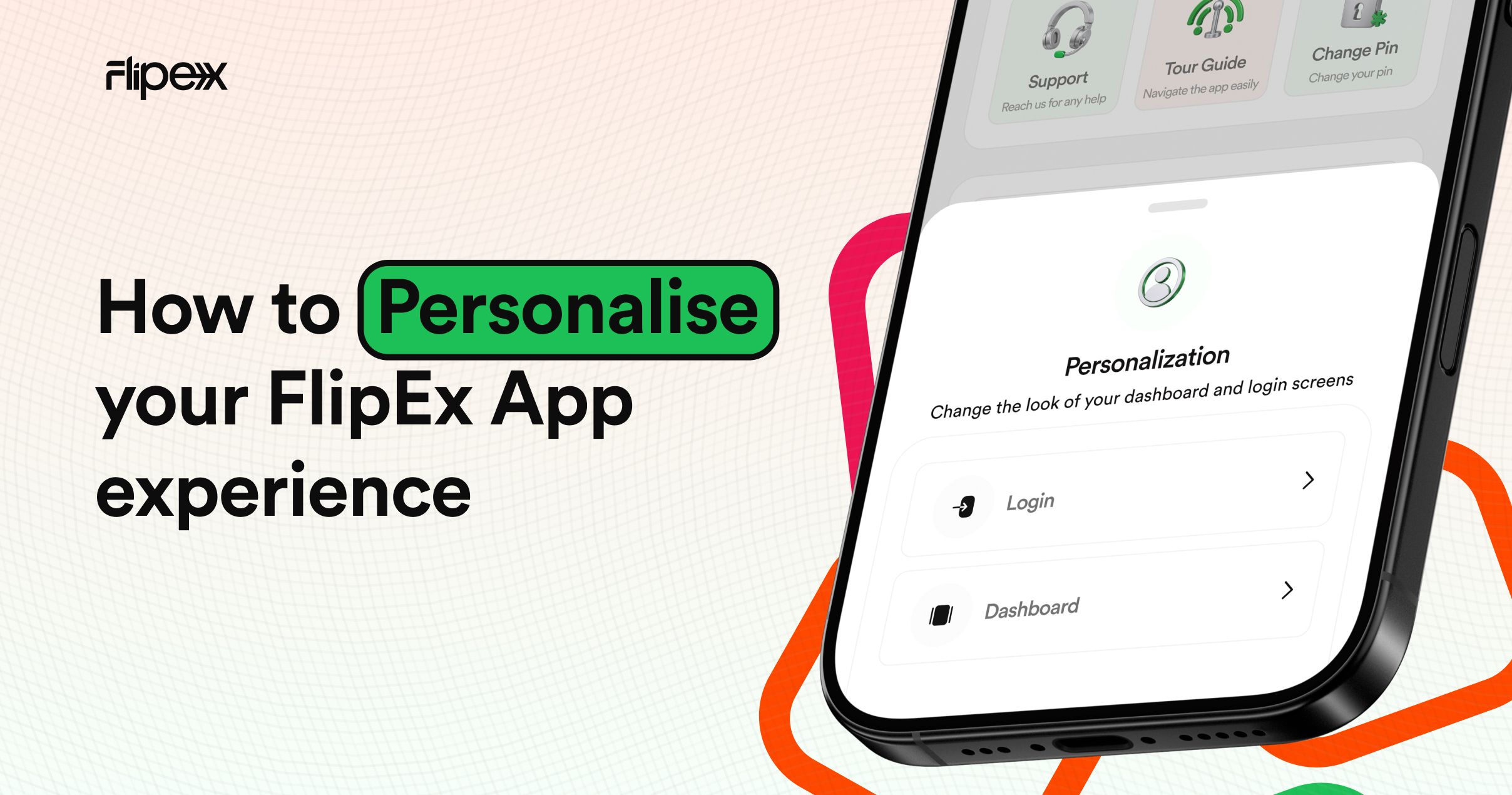
A bottom sheet slides up with two options: Login and Dashboard. You can customise both independently. Let us start with the login screen.
How to Change Your Login Screen
Tap Login and you will enter a carousel of beautifully illustrated Nigerian landmarks. Swipe left or right to browse through them. Each one is a full-screen background that greets you every time you open the FlipEx app.
Here are the landmarks you can choose from:
- Lekki-Ikoyi Link Bridge (Lagos) — the iconic cable-stayed bridge connecting Lekki and Ikoyi, lit up against the Lagos skyline.
- Cocoa House (Ibadan) — the first skyscraper in West Africa, standing tall in the heart of Ibadan since 1965.
- Lagos Street Scene (Lagos) — a vibrant illustration capturing the energy of everyday Lagos.
- Unity Arches (Enugu) — the welcoming arches at the entrance of the Coal City.
- Abuja City Gate (Abuja) — the modern gateway to Nigeria's capital city.
Found one you like? Tap Select. That is it. Your new login screen is set.
You can also tap Save to gallery to download the artwork to your phone. Yes, they are that beautiful. Use them as wallpapers if you want.
Related: If you are new to FlipEx and wondering whether the app is safe to use, read our full breakdown: Is FlipEx Gift Card to Naira App Legit and How Safe Is It?
How to Change Your Dashboard
Go back to the Personalization sheet and tap Dashboard. Here you get two things to customise:
1. Light Mode or Dark Mode
At the top, you will see a toggle to switch between Light and Dark mode. Pick whichever suits your eyes (or your mood). Dark mode is easier on the eyes at night. Light mode feels clean during the day. Your call.
2. Pattern Backgrounds
Below the light/dark toggle, you will see 8 different pattern backgrounds. These patterns change the look of your wallet card and the overall feel of your home screen. They are abstract, modern, and clean.
Tap the one you want, and it applies instantly.
Once you pick, a confirmation message pops up: "Your changes have been made." From there, you can either jump straight to customise your login screen too or head back to your newly styled homepage.
While You Are in Settings: Stay Safe Too
Since you are already in Settings, it is a good time to make sure your account is locked down. Enable two-factor authentication if you have not already, and review your security preferences. We recently published a guide on how to keep your crypto assets safe and another on how to spot crypto airdrop scams. Both are worth bookmarking.
Why This Feature Matters
We built FlipEx to be more than a trading app. It is a tool you open every day, sometimes multiple times a day. Small touches like choosing your own login screen or picking a dashboard pattern that matches your style make the experience feel personal.
No two FlipEx apps have to look the same. Yours should feel like yours.
Want to Earn While You Trade?
Now that your app looks the part, make sure you are getting the most out of it. FlipEx has a referral programme that pays you for every friend you bring on board. You also unlock bonus cash as you level up from Newbie to Legend through your trading activity.
Try It Right Now
Open your FlipEx app, head to Settings → Personalization, and make it yours. It takes under 30 seconds.
Already picked a landmark? We would love to know which one. Our bet is on the Lekki-Ikoyi Bridge. Tell us on our social media channels or reply to the next edition of The Flip Report.