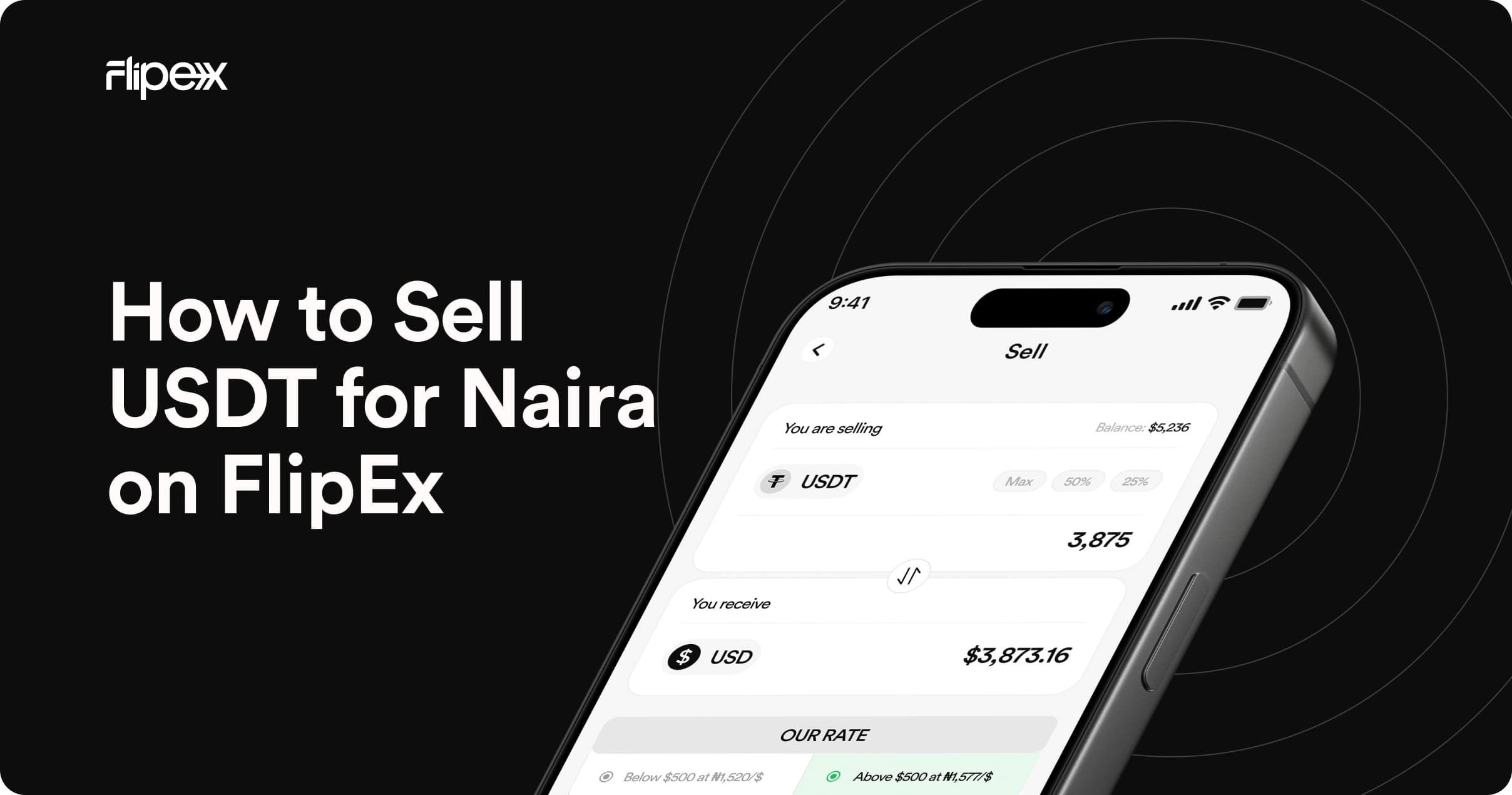
How to Sell USDT for Naira on FlipEx: Step-by-Step Guide (2026)
Quick answer: Open the FlipEx app, tap Sell Crypto, select USDT, choose your network, deposit to your FlipEx wallet address, confirm the rate, and sell. Your Naira lands in your FlipEx wallet instantly. Withdraw to any Nigerian bank account from there.
USDT (Tether) is Nigeria's most used stablecoin for a simple reason: it is pegged 1:1 to the US Dollar, which means your money does not lose value overnight the way Naira can. Whether you are a freelancer getting paid in crypto from abroad, a trader cashing out profits, or someone receiving USDT from family overseas, selling USDT for Naira is one of the most common trades on FlipEx.
This guide walks you through every step, from before you send a single coin to the moment Naira hits your bank account. It also explains the four USDT networks FlipEx supports, what each one costs, and which one to use for your situation.
Before You Start Selling USDT on FlipEx — What You Need
Have these four things ready before you begin:
- A FlipEx account — Download the FlipEx app from the Google Play Store or Apple App Store
- USDT in an external wallet or exchange — Trust Wallet, Binance, Bybit, Coinbase, or any wallet that holds USDT on TRC-20, ERC-20, SOL, or BEP-20
- Your preferred Nigerian bank account linked to your FlipEx profile — Naira goes to your FlipEx wallet first, then you withdraw to your bank
- A small amount of the network's native token to cover the blockchain gas fee (sending fee) — more on this below
Which USDT Network Should You Use?
USDT exists on multiple blockchains at the same time. The coin is the same, but the network determines how fast your transfer arrives and how much the sending fee (gas fee) costs. FlipEx supports four networks: TRC-20, ERC-20, SOL, and BEP-20.
Think of it like choosing how to send a parcel: the contents are identical, but express shipping costs more than standard. The wrong choice can cost you significantly. Sending on ERC-20 during a busy period can cost between N7,000 and N70,000 in gas fees on a transfer worth much less than that.
If you are unsure, use TRC-20. About 70% of all USDT transactions in Nigeria happen on TRC-20 because the fees are consistently low and the transfers confirm within minutes. SOL is the newest option on FlipEx and is worth using if your USDT is already on the Solana network as the fees are almost nothing.
How to Sell USDT for Naira on FlipEx — Step by Step
The full process takes between 5 and 20 minutes depending on which network you use.
Step 1: Open the FlipEx App and Log In
Open the FlipEx app on your phone. If you do not have an account yet, download FlipEx on Google Playstore and Appstore, or sign up on the FlipEx website. Then, register with your email and phone number, and complete Tier 1 verification. This takes under two minutes.
Step 2: Tap Sell Crypto and Select USDT
From your dashboard, tap Sell Crypto. You will see a list of supported assets. Select USDT.
Step 3: Choose Your Network
Select the same network your USDT is currently on in your sending wallet. If your USDT is in Trust Wallet on the TRON network, select TRC-20. If it is in Binance on BNB Smart Chain, select BEP-20. If it is on Solana, select SOL.
This is the most critical step. Sending USDT on the wrong network means your funds do not arrive and in most cases cannot be recovered. Always verify the network in your sending wallet before you copy the FlipEx address.
Step 4: Copy Your FlipEx USDT Wallet Address
FlipEx will display a unique wallet address for the network you selected. Tap Copy to copy it. Do not try to type this address manually. Wallet addresses are long strings of characters and a single error means lost funds.
- TRC-20 addresses start with a capital T
- ERC-20 and BEP-20 addresses start with 0x
- SOL addresses are a long string of letters and numbers — no standard prefix
- You can also scan the QR code if you are sending from a phone
Step 5: Send USDT from Your External Wallet
Open your external wallet (Trust Wallet, Binance, Bybit, Coinbase, or wherever your USDT is stored). Navigate to Send or Withdraw. Paste the FlipEx wallet address you copied. Enter the amount of USDT you want to sell.
Before you confirm, check three things:
- The address matches what FlipEx showed you — compare the first 6 and last 6 characters
- The network in your sending wallet matches the network you selected in FlipEx
- Your wallet has enough of the native token to pay the gas fee (TRX for TRC-20, ETH for ERC-20, SOL for Solana, BNB for BEP-20)
Once you are satisfied, confirm the transaction. You will receive a transaction hash (TXID) which you can use to track the transfer.
Step 6: Wait for Blockchain Confirmation
FlipEx detects your deposit automatically once the transaction confirms on the blockchain. Confirmation times:
- SOL: under 1 minute
- TRC-20: 1 to 3 minutes
- BEP-20: 3 to 5 minutes
- ERC-20: 5 to 15 minutes
You will receive a push notification and an email from FlipEx once your USDT has been received and the Naira value confirmed.
Step 7: Confirm and Sell
Once your USDT arrives in your FlipEx wallet, tap Sell. FlipEx will show you the exact Naira amount you will receive at the current live rate. Confirm the trade. Your Naira lands in your FlipEx wallet instantly.
Step 8: Withdraw Naira to Your Bank Account
From your FlipEx wallet, tap Withdraw. Enter your bank account details or select a saved account. Enter the amount and confirm. Your Naira is sent directly to your Nigerian bank account.
Bank withdrawals require Tier 2 verification (BVN). If you have not completed this yet, dial *565*0# to retrieve your BVN, then add it to your FlipEx profile under account settings. Once verified, withdrawals to any Nigerian bank typically arrive within minutes.
Sending USDT to FlipEx from Popular Wallets
The process of depositing crypto on FlipEx is straightforward and fast. The steps are easy to follow and you do not need any extra detail across different wallets or exchanges.
From Trust Wallet
Open Trust Wallet and tap the USDT token. Tap Send. Paste your FlipEx USDT address. Before confirming, check that the network shown in Trust Wallet matches the network you selected in FlipEx. TRC-20 USDT and ERC-20 USDT are listed separately in Trust Wallet. Select the correct one.
From Binance
Go to your Binance wallet and tap Withdraw. Select USDT. Paste your FlipEx address. In the Network field, select the network that matches what you chose in FlipEx. Binance defaults to ERC-20 — if you want TRC-20 or BEP-20, you must manually change this. Confirm the withdrawal. Binance may require email or authenticator confirmation.
From Bybit
In Bybit, go to Assets, tap Withdraw, and select USDT. Paste your FlipEx address and choose the matching network. Bybit shows estimated network fees before you confirm — this is the gas fee that will be deducted from your USDT. Choose TRC-20 for the lowest fee.
How Much Naira Will You Get for Your USDT?
USDT is pegged to the US Dollar, so 1 USDT is always worth approximately $1. What changes is the dollar-to-Naira exchange rate. FlipEx updates its USDT to Naira rate every few minutes to reflect current market conditions.
To check the exact Naira amount you will receive before sending, use the FlipEx Rate Calculator. Enter the amount of USDT you want to sell and the calculator shows the exact Naira payout in real time.
The rate you see in the app is the same rate you get when you sell. There are no hidden spreads or surprise deductions. The only external cost is the blockchain gas fee paid to the network when you send your USDT from your external wallet. FlipEx does not charge this fee.
What to Do If Your USDT Does Not Arrive
If your USDT has not appeared in your FlipEx wallet after the expected confirmation time, check the following in order:
- Search your transaction hash (TXID) on the relevant blockchain explorer: TRONSCAN for TRC-20, Etherscan for ERC-20, Solscan for SOL, BSCScan for BEP-20. If the explorer shows the transaction as confirmed but FlipEx has not credited it, contact FlipEx support with the TXID
- Check the network. Open your sending wallet and confirm whether the transaction was sent on TRC-20, ERC-20, SOL or BEP-20. If the network does not match what you selected in FlipEx, the funds went to a different address. Contact FlipEx support immediately with the TXID
- Check the address. Compare the destination address on the blockchain explorer with the FlipEx address you were given. If they do not match, the funds were sent to the wrong address and may not be recoverable.
- Check the minimum. The minimum sell amount on FlipEx is $1 at the current rate. If you sent less than this, the deposit may not have been processed
Contact FlipEx support via in-app chat or at support@flipexapp.com. Always include your transaction hash when raising a support ticket.
FlipEx vs P2P: Why Nigerians Are Moving Away from P2P for USDT
For years, P2P (peer-to-peer) trading was the main way to convert USDT to Naira in Nigeria. It still works, but it comes with risks that automatic platforms like FlipEx have eliminated:
The EFCC risk is particularly important. When a P2P buyer sends you Naira, you have no way of knowing where those funds came from. If the buyer used money from a suspicious source, your bank account can be flagged or frozen during an investigation — even though you did nothing wrong. With FlipEx, the Naira comes directly from the platform, so this risk does not exist.
Frequently Asked Questions
How long does it take to sell USDT on FlipEx?
The full process typically takes 5 to 20 minutes from sending USDT to receiving Naira in your FlipEx wallet. SOL is the fastest at under 1 minute. TRC-20 takes 1 to 3 minutes. ERC-20 takes 5 to 15 minutes. Bank withdrawal after selling adds a few more minutes.
Which USDT network is cheapest to use on FlipEx?
SOL (Solana) has the lowest gas fees at under <$0.05 per transaction. TRC-20 comes next at approximately $1. BEP-20 is also cheap at around $0.05 to $0.5. ERC-20 is the most expensive at $5 to $50+ and should only be used for large amounts where the fee is a small percentage of the total.
Can I sell USDT on FlipEx without BVN verification?
Yes. Tier 1 verification (email and phone only) is enough to receive USDT into your FlipEx wallet but you will need to at least complete Tier 2 verification to sell your USDT to Naira. Your Naira will land in your FlipEx wallet then you can withdraw that Naira to your Nigerian bank account. Dial *565*0# to retrieve your BVN.
What is the minimum USDT I can sell on FlipEx?
The minimum sell amount is $1 at the current rate. There is no maximum.
Can I sell USDT from Binance directly to FlipEx?
Yes. In Binance, go to Withdraw, select USDT, paste your FlipEx wallet address, choose the correct network, and confirm. The transfer goes directly from Binance to FlipEx without any intermediate steps.
Why does FlipEx support four USDT networks?
FlipEx added Solana (SOL) support because it is the fastest and cheapest network available, and an increasing number of Nigerian traders and freelancers receive USDT on Solana from international platforms. Most competitors support TRC-20, ERC-20, and BEP-20 only. FlipEx also supports SOL, which means you can sell without bridging your USDT to a different network first.
Is selling USDT on FlipEx legal in Nigeria?
Yes. Trading cryptocurrency is legal in Nigeria. The SEC issued guidelines for virtual asset service providers in 2022 and FlipEx operates in compliance with these regulations.
Start Selling USDT on FlipEx Today
Download the FlipEx app, complete your Tier 1 setup in under two minutes, and check the live rate on the FlipEx Rate Calculator before you send. Your Naira will be in your FlipEx wallet before most P2P trades have even been confirmed.
If you are new to USDT networks and want to understand TRC-20, ERC-20, SOL, and BEP-20 in detail before you trade, read our full network guide: USDT Networks Explained: TRC-20 vs ERC-20 vs SOL vs BEP-20.