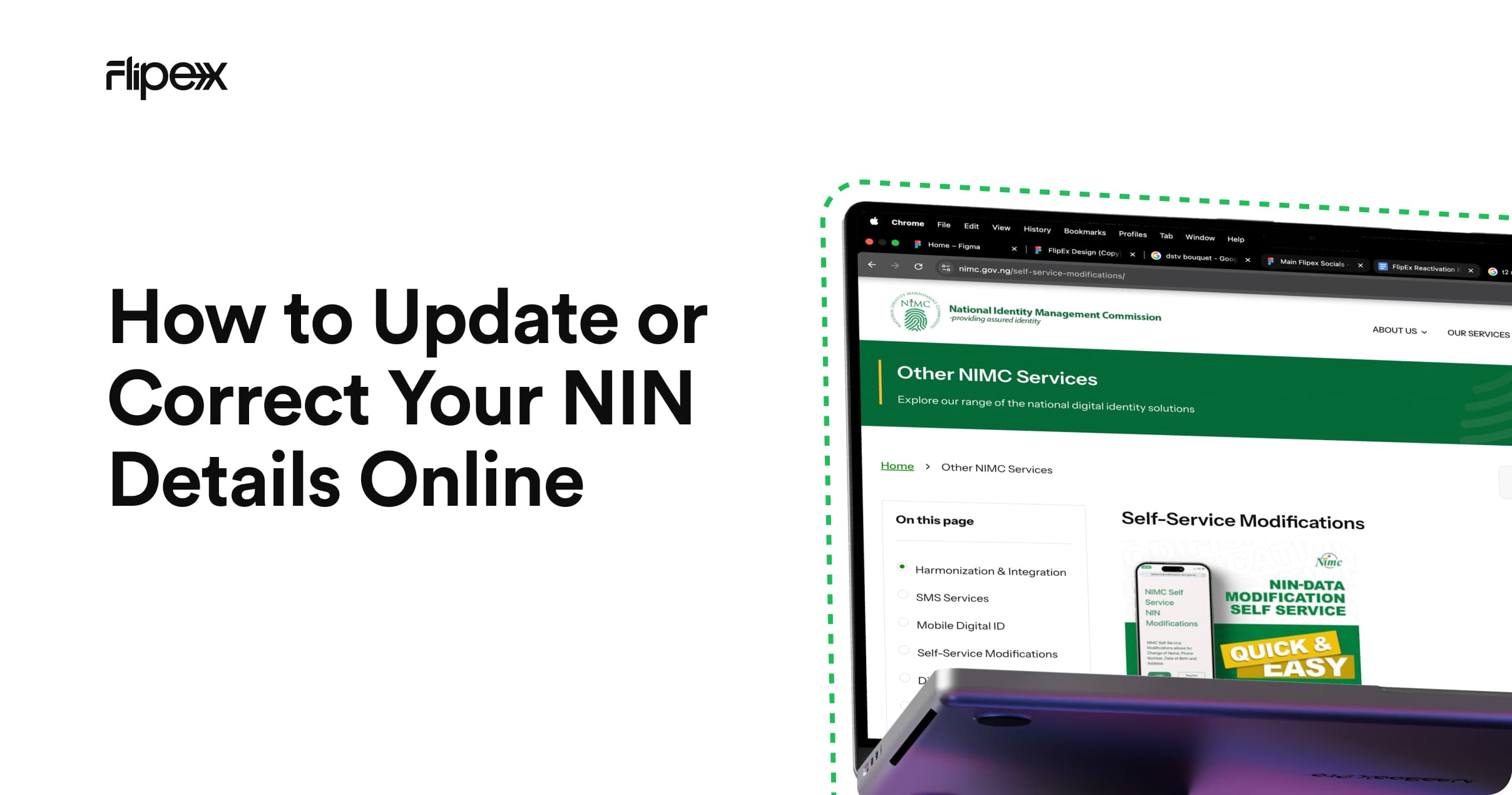
Name corrections, date of birth fixes, and phone number updates — the complete NIMC modification guide
Your NIN was enrolled with NIMC — but what if the details are wrong? A misspelled name, an incorrect date of birth, or a demographic error that doesn't match your other documents can block you from completing identity verification on FlipEx and other platforms.
The good news: NIMC provides an official modification process. This guide walks you through every type of correction, what documents you'll need, how long each takes, and what to do on FlipEx once your record is updated.
Why NIN Details Matter for FlipEx Verification
When you complete Tier 3 NIN verification on FlipEx, the platform cross-references your submitted NIN against the NIMC database. If your NIMC record has errors — a different name spelling, wrong date of birth, or mismatched demographic details — the verification may fail even if your NIN number itself is correct.
Fixing the error at NIMC is the only way to resolve this. FlipEx cannot override or bypass NIMC records.
Types of NIN Modifications Available
- Name correction: Fix spelling errors, update name after marriage or legal name change.
- Date of birth correction: Correct a wrong date, month, or year of birth.
- Phone number update: Change the phone number linked to your NIN (e.g. if you've changed numbers).
- Address update: Update your residential address on your NIMC record.
- Gender correction: In cases of enrolment error.
- Other demographic corrections: Any other information recorded incorrectly at the time of enrolment.
Method 1: NIMC Self-Service Portal (Online)
For minor corrections — spelling errors, phone number updates, address changes — the NIMC Self-Service Portal at selfservicemodification.nimc.gov.ng is the fastest option.
- Visit selfservicemodification.nimc.gov.ng - Open the official NIMC Self-Service Portal and log in using your NIN, date of birth, and the phone number linked to your NIMC account.
- Navigate to 'Modify NIN Details'. Find the modification request section in your profile dashboard.
- Select the field to update. Choose the specific detail you want to correct — name, phone number, address, etc.
- Upload supporting documents. Attach a scanned copy of a supporting document (see the documents section below) that confirms the correct information.
- Submit your request. Review the details and submit. You'll receive a reference number for tracking.
- Await confirmation. Minor corrections are typically processed within 3–7 working days. You'll receive an SMS notification once the update is complete.
Method 2: NIMC Enrolment Centre (In-Person)
For major modifications — legal name changes, date of birth corrections, or gender corrections — an in-person visit to a NIMC enrolment centre is required. The process is similar to original enrolment.
- Locate your nearest NIMC centre - Use the NIMC website to find the closest NIMC enrolment centre to you.
- Bring your original supporting documents - See the documents list below. Originals are required — photocopies alone are not accepted for major changes.
- Complete the modification form - NIMC staff will capture your biometrics again (if required) and process the change.
- Await your updated NIN slip - Once processed, you'll receive an updated NIN slip reflecting the corrected details. Major changes take 10–15 working days.
Documents Required for NIN Modification
For Name Corrections (Minor — Spelling Errors)
- Valid government-issued ID (passport, driver's licence, voter's card)
- NIN slip or NIMC enrolment acknowledgement
For Legal Name Changes (Marriage, Deed Poll)
- Marriage certificate (if changing to married name)
- Court affidavit or deed poll for other name changes
- Valid government-issued ID in the new name (if available)
For Date of Birth Corrections
- Birth certificate (National Population Commission-issued)
- Baptismal certificate (for minor discrepancies)
- School leaving certificate (may be accepted for date of birth support)
For Phone Number Updates
- No supporting document required in most cases — only your NIN and access to both old and new numbers for OTP verification
How Long Does NIN Modification Take?
- Minor corrections (spelling, phone number, address): 3–7 working days via the self-service portal
- Date of birth corrections: 7–15 working days, in-person visit required
- Legal name changes: 10–15 working days, in-person visit required
- Gender corrections: 10–15 working days, in-person visit required
These are standard processing times under normal conditions. During peak periods (e.g. SIM re-registration drives), processing may take longer.
What to Do on FlipEx After Your NIN Is Updated
Once NIMC has confirmed your modification via SMS, your updated NIN record is live in the national database. At that point:
- Wait for NIMC confirmation - Do not attempt FlipEx verification until NIMC has confirmed the update via SMS — the database won't reflect the change until then.
- Open FlipEx and navigate to Tier 3 verification - Go to Account > Verification > Tier 3.
- Enter your NIN again - Re-enter your 11-digit NIN. If the previous attempt created a failed record, the app will prompt you to re-submit.
- Complete the OTP step. Enter the OTP sent to your NIN-linked phone number.
- Verification complete. Your corrected NIMC record will now match, and Tier 3 verification will succeed.
If you encounter errors at any of these steps, see the full troubleshooting guide: Common BVN and NIN Verification Issues on FlipEx and How to Fix Them.
Frequently Asked Questions
How do I correct my NIN name online?
Visit the NIMC Self-Service Portal and submit a name correction request with supporting documents. Minor spelling corrections are processed online in 3–7 working days. Legal name changes require an in-person NIMC centre visit.
How do I correct my NIN date of birth?
Visit a NIMC enrolment centre with your birth certificate (or equivalent supporting document). Date of birth corrections require in-person verification and take 10–15 working days.
How long does it take to change a name on NIN?
Spelling corrections: 3–7 working days via the online portal. Legal name changes (marriage, deed poll): 10–15 working days with in-person verification at a NIMC centre.
Can I update my phone number on my NIN?
Yes — phone number updates can be done through the NIMC Self-Service Portal. You'll need access to both your old and new numbers for OTP verification. The update is usually processed within 3–7 working days.
Is there a fee for NIN modification?
Official NIMC enrolment and modification services are free. If any centre or agent charges a fee for basic modifications, they are operating outside official guidelines. Always use the official NIMC portal or accredited centres.
My NIN details are correct but FlipEx verification still fails — what now?
If your NIMC record is accurate and verification still fails, the issue is likely a phone number mismatch or an OTP delivery problem. See the full diagnosis in Common BVN and NIN Verification Issues and How to Fix Them.
Corrected and Ready — Complete Your FlipEx Verification
A NIN modification is a one-time fix that unlocks years of seamless identity verification across every platform that uses your NIMC record — including FlipEx.
Once your NIMC confirmation arrives, head straight to Tier 3 NIN verification on FlipEx. And while you wait for the update to process, make sure your NIN is linked to your phone network — that step needs to be done before FlipEx verification can complete.
In the meantime, your Tier 2 (BVN) verified account is still fully active for selling gift cards, converting crypto, and withdrawing to your bank.
NIN corrected. Account ready. Let's finish what we started.