And why completing Tier 3 is the smartest thing you can do for your FlipEx account
You've verified your BVN. Your FlipEx wallet is active, you're selling gift cards, converting crypto, and withdrawing to your bank without a hitch. So when you see the Tier 3 prompt asking for your NIN, it's easy to think: do I even need this?
The answer is yes, and it is not just for compliance. NIN verification in Nigeria is what takes your FlipEx account to its highest level: maximum transaction limits, full platform access, and the strongest layer of fraud protection available. This guide walks you through exactly what a NIN is, how to find yours, how to link it to your network, and how to complete Tier 3 verification on FlipEx.
Let's start from the top — because understanding NIN verification makes the whole process faster.
What Is a NIN?
A National Identity Number (NIN) is an 11-digit unique identifier issued by the National Identity Management Commission (NIMC) to every Nigerian citizen and legal resident. Unlike your BVN, which is specific to your banking identity; your NIN is your primary government identity number, linking you to Nigeria's national database.
Your NIN captures your biometric data (fingerprints, facial recognition), demographic details, and is increasingly required for everything from SIM registration to financial transactions. If you have registered with NIMC at any point, even years ago, then you already have one.
As of 2024, NIMC has enrolled over 100 million Nigerians for NIN — making it the most comprehensive identity database in the country's history.
NIN vs BVN — What's the Difference?
Flippers often ask this, so let's clear it up once and for all:
- BVN (Bank Verification Number): Issued by the CBN. Tied to your banking identity. It links all your bank accounts to one verified identity. Tier 2 on FlipEx.
- NIN (National Identity Number): Issued by NIMC. Your primary government identity. It is broader in scope and used for SIM registration, travel documents, financial accounts, and more. Tier 3 on FlipEx.
Think of BVN as your financial ID and NIN as your national ID. Both are needed for a fully verified FlipEx account — they serve different but complementary purposes.
How to Find Your NIN
Before you can verify your NIN on FlipEx, you need the number itself. Here are the fastest ways to retrieve it using the official NIN USSD code:
Dial the NIN USSD Code
The simplest method: dial *346# on the phone number linked to your NIMC registration. Your NIN will be displayed instantly — no internet required, works on all networks.
Check Your NIN via Network-Specific Codes
Each major network also has its own NIN-related code for checking and linking. Here's the quick reference:
- MTN: Dial *785# to access MTN's NIN menu, or text your NIN to 785 to link it.
- Airtel: Visit airtel.com.ng/nin or text your NIN to 121.
- Glo: Text your NIN to 109.
- T2 Mobile (formerly 9mobile): Text your NIN to 200.
Check via the NIMC App or Self-Service Portal
If you enrolled with NIMC but can't remember your NIN, visit the NIMC Self-Service Portal at nimcservices.com or download the NIMC Mobile ID app. You'll need your date of birth and the phone number used during enrolment.
How to Link Your NIN to Your Phone Network
Linking your NIN to your network is not the same as verifying it on FlipEx — but it's a prerequisite. Nigerian regulations require all active SIMs to have a linked NIN. If yours isn't linked, your SIM may be blocked, which will also prevent you from receiving the OTP needed to complete NIN verification on the platform.
How to Link NIN to MTN
The fastest way: dial *785# on your MTN line, select 'NIN Linking', and enter your NIN when prompted. You can also text your NIN to 785 or visit nin.mtn.ng.
How to Link NIN to Airtel
Visit airtel.com.ng/nin, or text your NIN to 121, or dial *121# and navigate to the NIN Linking option. For unblocking a previously blocked line, visit any Airtel service centre with a valid ID.
How to Link NIN to Glo
Text your NIN to 109 from your Glo line. You can also visit any Glo service centre or go to gloworld.com and follow the NIN linking prompts.
How to Link NIN to T2 Mobile (formerly 9mobile)
Text your NIN to 200 from your T2 Mobile line. Alternatively, visit any T2 Mobile service centre with a valid ID.
Don't Have a NIN Yet? Enrolment is free at any NIMC centre, and your NIN is issued on the spot or shortly after biometric capture, and you don't need a physical ID card to verify on FlipEx — just the 11-digit number.
Already linked your NIN to your network? Good — you're halfway there. The FlipEx Tier 3 verification step takes about two minutes from this point.
What NIN Verification Unlocks on FlipEx
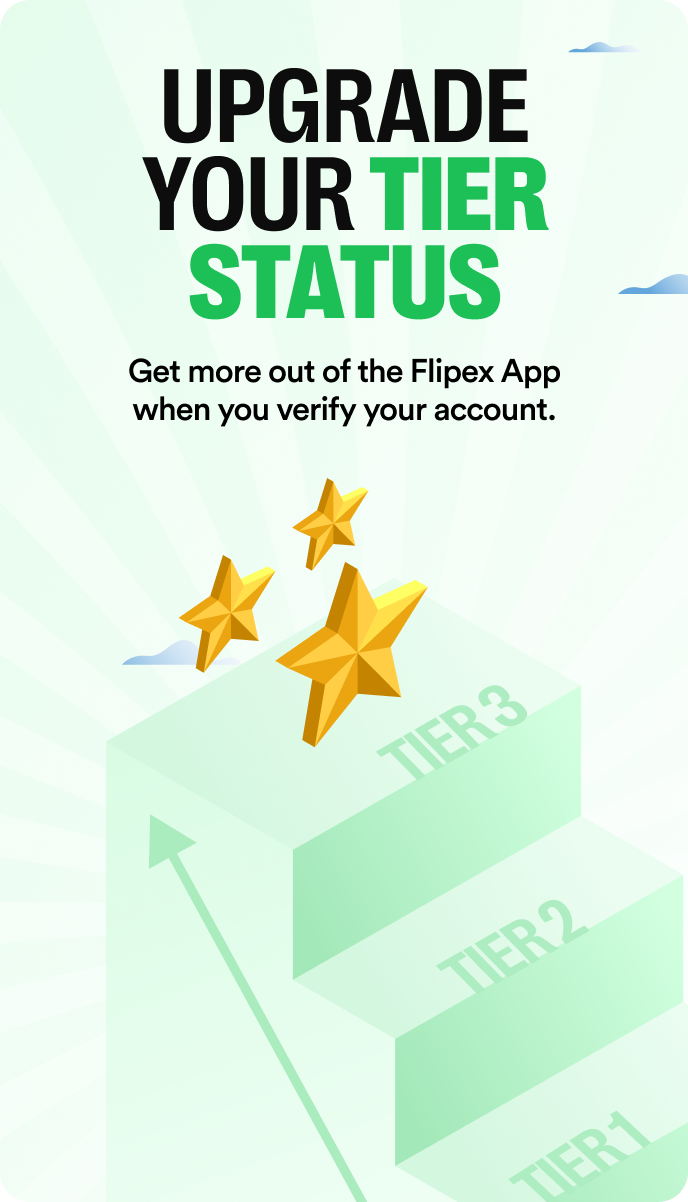
Completing Tier 3 NIN verification is the final step to a fully unlocked FlipEx account. Here's what it adds on top of what BVN (Tier 2) already gives you:
- Maximum withdrawals limits: Single withdrawal raised from ₦1,000,000 (Tier 2) to ₦5,000,000 per transaction. Daily limit raised from ₦5,000,000 (Tier 2) to ₦25,000,000 — a five-times increase on both.
- Full platform access: Some high-value features and promotional tiers on FlipEx are restricted to Tier 3 accounts.
- Strongest fraud protection: With both BVN and NIN verification on file, FlipEx can cross-reference two independent identity databases, making it significantly harder for bad actors to compromise your account.
- Priority support: Fully verified accounts are handled with the highest priority in the event of disputes or account issues.
Tier 3 isn't just about unlocking features. It's about making your FlipEx account as secure and as capable as it can possibly be. Most serious Flippers complete it within their first week and you should too.
How to Verify Your NIN on FlipEx — Step by Step
Before you start, make sure: (1) you have your 11-digit NIN ready, and (2) your NIN is already linked to the phone number on your FlipEx account. If not, complete the linking steps above first. Already have your BVN verified (Tier 2)? You're in the right place for the next step.
- Open the FlipEx app. Tap the verification prompt on your dashboard, or navigate to Profile by clicking on the Initial at the top left of your dashboard beside your username > ID Verification > Tier 3.
- Select NIN verification. Choose 'NIN' as the verification type. The app will prompt you to enter your 11-digit National Identity Number.
- Enter your NIN. Type your NIN carefully — all 11 digits. If you need to retrieve it first, dial *346# on your registered phone number.
- Confirm with a selfie. FlipEx will verify your selfie against the image stored in NIMC’s database to confirm your identity.
- Verification complete. Your account is now Tier 3 verified. Maximum limits and full platform access are immediately active.
Frequently Asked Questions
How do I find my NIN number?
Dial *346# on the phone number linked to your NIMC registration — your NIN will appear instantly. You can also use the NIMC Self-Service Portal or visit any NIMC enrolment centre.
What is the NIN USSD code?
The official NIN retrieval USSD code is *346#. For NIN-SIM verification, the NCC-mandated code is *996#. For network-specific NIN linking: MTN uses *785#, Airtel uses SMS to 121, Glo uses SMS to 109, and T2 Mobile uses SMS to 200. See the NCC Consumer Portal for the complete official USSD code reference.
How many digits is a NIN?
A NIN is exactly 11 digits long — the same length as a BVN. If your number is longer or shorter, you may have copied it incorrectly. Dial *346# to retrieve the correct number directly.
How do I access the NIMC self-service portal?
Visit selfservicemodification.nimc.gov.ng, enter your date of birth and enrolled phone number to access the NIMC Service Portal.
What does Tier 3 unlock that Tier 2 doesn't?
Tier 2 (BVN) unlocks crypto selling and bank withdrawals. Tier 3 (NIN) adds higher transaction limits, full platform access, and the strongest level of fraud protection on FlipEx. For a full breakdown of the tier system, see how FlipEx account verification works.
Can I still use FlipEx without completing NIN verification?
Yes. Tier 2 (BVN) verification is sufficient for most everyday transactions including selling gift cards, selling crypto, and withdrawing to your bank but limits apply for each transaction. Tier 3 NIN verification is required for maximum limits and full platform access.
What should I do if I can't Log In to my account?
If you can't log in to your FlipEx account after completing the verification, read our guide on why you can't log in to your FlipEx account to find out the most likely reason and the solution.
Which other verification issues can I encounter on FlipEx?
Please check out our guide on common BVN and NIN verification issues on FlipEx and how to solve them.
Complete Tier 3 — Your Fully Unlocked Account Awaits
NIN verification is the final step in a process that starts the moment you sign up on FlipEx. Each tier verification makes your account more capable and more secure.
Once Tier 3 is done, your FlipEx account is running at full power — maximum limits, full feature access, and the strongest fraud protection available. Sell crypto, convert gift cards, pay your bills, and withdraw — all at the highest tier.
Open the app, tap Tier 3, enter your NIN, and you're done. Two minutes to full access.
If you ran into any issues while trying to Tier 3 on FlipEx, do not hesitate to reach out to our Support Desk