USSD codes, the NIMC app, and the self-service portal — all methods in one place
Your NIN is 11 digits. You enrolled with NIMC at some point — maybe years ago — but the number isn't somewhere easy to find. Sound familiar? This is one of the most common problems Nigerians face before completing identity verification.
This guide covers every method to retrieve your NIN, whether you're on MTN, Airtel, Glo, or T2 Mobile, with or without internet access.
The Fastest Method: NIN USSD Code
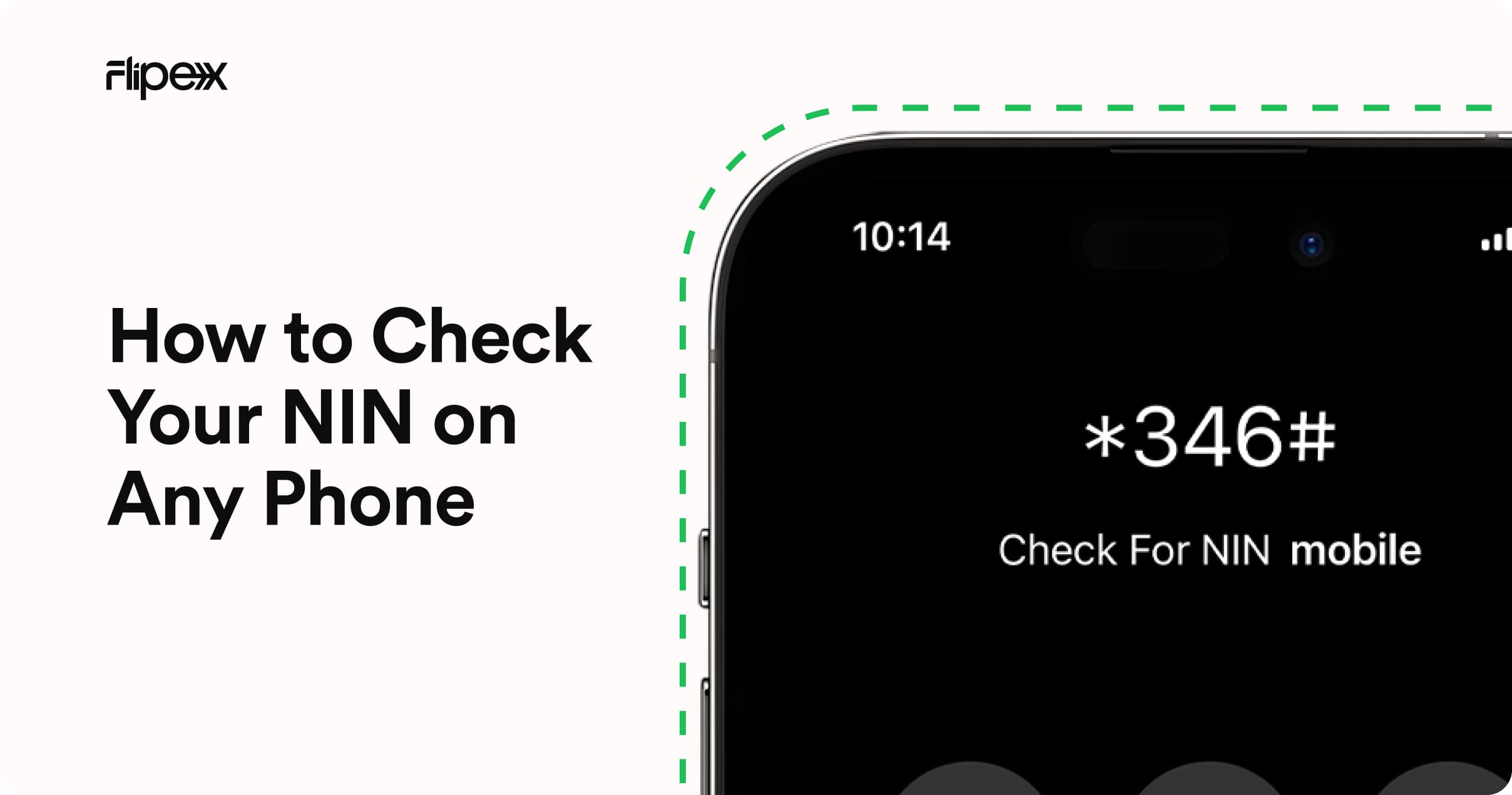
The quickest way to check your NIN is to dial *346# on the phone number registered to your NIMC account. Your NIN will be displayed on screen within seconds — no internet required, works on all networks, and is completely free.
*346# works on MTN, Airtel, Glo, and T2 Mobile. It is the official NIMC NIN retrieval code — no third-party app or portal needed.
How to Check NIN on MTN
Dial *346# on your MTN line. If *346# doesn't work, you can also try MTN's NIN-specific menu by dialling *785# and selecting the option to view your NIN.
You can also text NIN to 785 to receive your NIN information via SMS.
How to Check NIN on Airtel
Dial *346# on your Airtel line. Alternatively, visit airtel.com.ng/nin and log in with your Airtel number to view your NIN linkage status and associated NIN.
How to Check NIN on Glo
Dial *346# on your Glo line. If this doesn't return your NIN, text NIN to 109 and Glo will respond with your NIN details.
How to Check NIN on T2 Mobile (formerly 9mobile)
Dial *346# on your T2 Mobile line. You can also text NIN to 200 to receive your NIN via SMS.
How to Check NIN Without a Phone Call — NIMC App and Portal
NIMC Mobile ID App
Download the official NIMC Mobile ID app from the Google Play Store or Apple App Store. Log in using your date of birth and the phone number used during NIMC enrolment. Your NIN will be displayed in your profile.
NIMC Self-Service Portal
Visit selfservicemodification.nimc.gov.ng and log in with your enrolment details. The portal lets you view your NIN, check linked phone numbers, and initiate modification requests.
How to Check Which Phone Numbers Are Linked to Your NIN
To see all SIM cards registered against your NIN, dial *346*3#. NIMC will return a list of all phone numbers currently linked to your identity. If you see numbers you don't recognise, contact NIMC immediately.
What to Do if Your NIN Doesn't Appear
If *346# returns no result, one of the following is likely:
- You enrolled on a different number: Your NIMC registration may be on a phone number you no longer use. Try *346# on other numbers you've had.
- You haven't enrolled yet: If you've never visited a NIMC centre, you won't have a NIN. Enrolment is free — visit any NIMC centre with a valid ID.
- Your number isn't linked to NIMC: Your phone number may not be the one registered during NIMC enrolment. Use the NIMC Self-Service Portal to check which number your NIN is tied to.
For NIN issues related to name mismatches or date of birth errors, see How to Update or Correct Your NIN Details Online.
Why You Need Your NIN for FlipEx Verification
Once you have your NIN, you're ready for Tier 3 verification on FlipEx — the final step to maximum transaction limits and full account access. Before you can verify on FlipEx, your NIN must also be linked to your phone network. For network linking steps, see How to Link Your NIN to MTN, Airtel, Glo and T2 Mobile.
For the full Tier 3 walkthrough, see How to Verify Your NIN on FlipEx.
Frequently Asked Questions
What is the USSD code to check NIN?
Dial *346# on any network. This is the official NIMC NIN retrieval code — free, instant, and works on MTN, Airtel, Glo, and T2 Mobile.
How do I get my NIN number on MTN?
Dial *346# or *785# on your MTN line, or text NIN to 785. Your NIN will be displayed or sent to you via SMS.
How do I check my NIN details online?
Visit selfservicemodification.nimc.gov.ng — the official NIMC Self-Service Portal — and log in with your enrolment details to view your NIN and personal information.
How many digits is a NIN?
Your NIN is exactly 11 digits. If what you have is shorter or longer, it may be incorrect — use *346# to retrieve the confirmed number.
Can I check my NIN without the phone I registered with?
Yes — use the NIMC Mobile ID app or the NIMC Self-Service Portal at selfservicemodification.nimc.gov.ng both of which allow you to recover your NIN using your date of birth and other enrolment details.
Got Your NIN? Here's What to Do Next
Now that you have your NIN, the next steps are: link it to your phone network (if you haven't already) using the NIN network linking guide, then complete Tier 3 NIN verification on FlipEx to unlock your account's full potential.
Running into issues? The common BVN and NIN verification issues guide covers every error and how to fix it.
Your NIN is ready. Your FlipEx account is waiting. Let's go.